DT2000, C075EL Electric Bantam or C075 Manual Bantam? Compare the features that matter for your cable-restraint installation.
Use this guide alongside the specified band, cleat and installation method. Our team can help confirm the right tool configuration for your project.
On a small screen, swipe the matrix sideways to compare all three tools. Keyboard users can focus the table area and use the arrow keys.
| Feature | 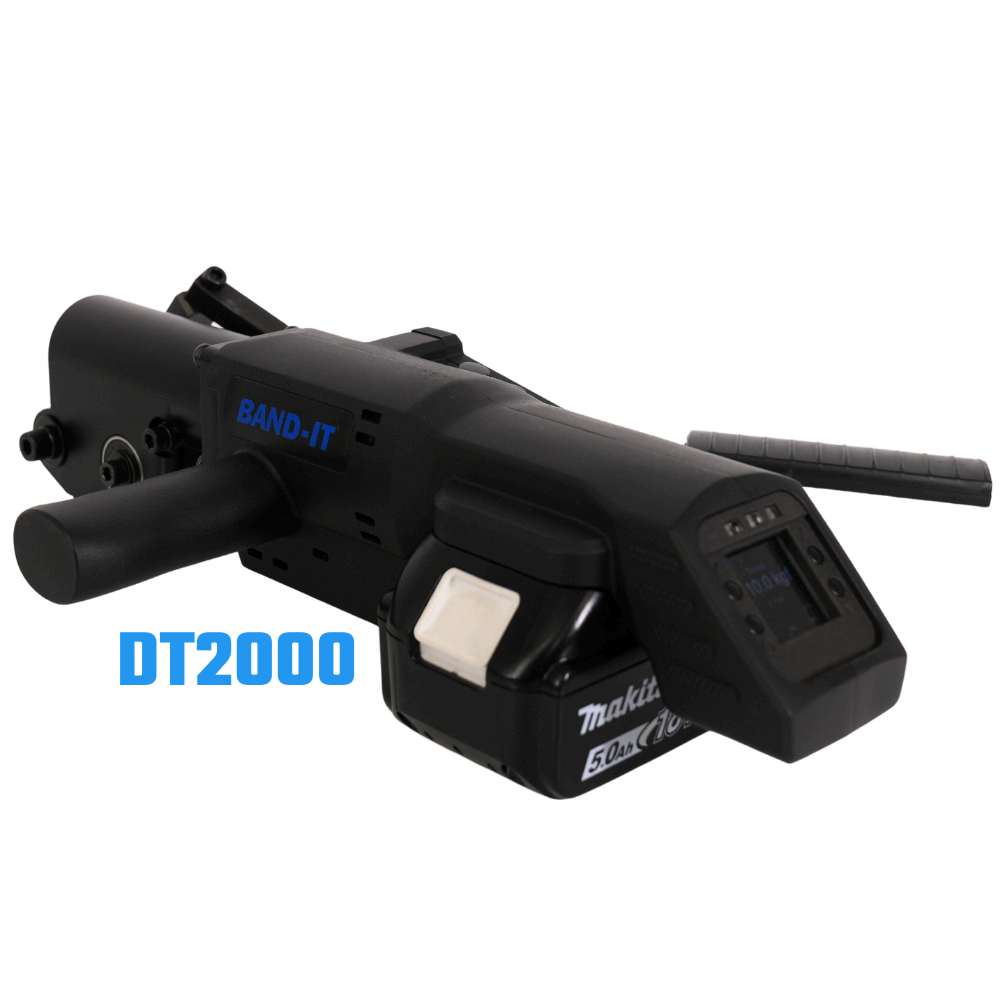 DT2000 DT2000Digital Banding Tool |
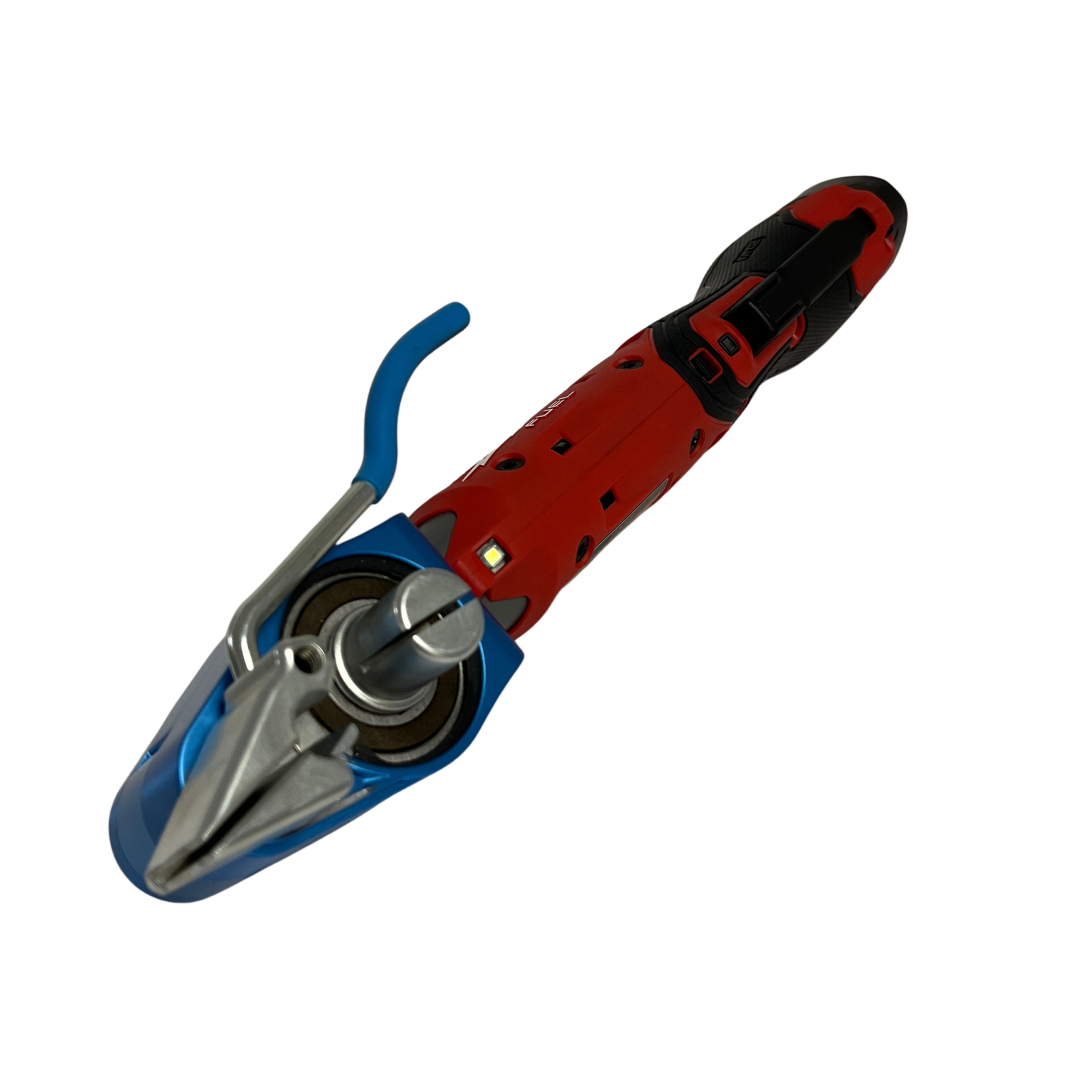 C075EL C075ELElectric Bantam |
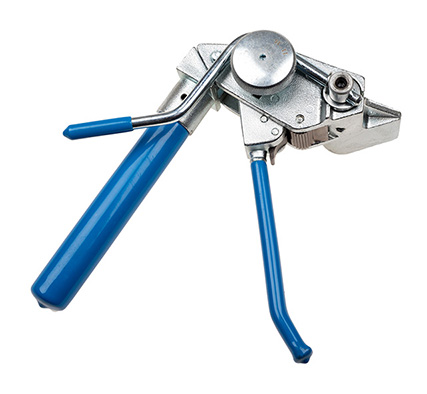 C075 C075Manual Bantam |
|---|---|---|---|
| Operation | Battery powered | Battery powered | Manual ratchet |
| Tension control | Torque sensor controls and confirms tightening force | Controlled tension; designed to avoid excessive clamping force | Hand-operated ratchet tensioning |
| Digital tension adjustment | Yes | Not specified | No — manual operation |
| Band cutting | Confirm selected configuration | Cuts band | Built-in cutter |
| Installation records & QR settings | Optional data capture, QR settings and exportable records | Not specified | No electronic recording |
| Band width | Confirm selected configuration | 9.5–19.1 mm (3/8–3/4 in) | Up to 19 mm (3/4 in) |
| Maximum band thickness | Confirm selected configuration | 0.76 mm (0.030 in) | 0.63 mm (0.025 in) steel thickness |
| Battery requirement | Battery included; Makita platform | Battery included | No battery required |
| Access & handling | Designed for constrained cable-tray installations | Powered alternative to manual Bantam | Compact; three-position handle for one- or two-handed use |
| Band / system selection | Designed for Band-It cable-cleat systems; confirm configuration | Optimised for coated band; confirm compatibility | Selected Band-It ties, PPA coated band and BAND-FAST configurations |
| Tool documents | DT2000 Brochure (PDF) | C075EL Brochure (PDF) | C075 Instructions (PDF) |
Not specified means the manufacturer's referenced product page does not confirm that feature. Optional means it is configuration dependent. Published capacity limits do not establish compatibility with every band or cleat.
Which tool should I consider?
DT2000: Digital tension verification with optional installation records.
C075EL: Powered tensioning and cutting for compatible coated band.
C075: Compact manual operation with no battery required.
Send us your band or cleat reference, band dimensions, installation access and project location. Ask us to confirm tool configuration, regional availability, battery requirements and the applicable installation instructions. For the manual C075, confirm the regional order code.
Short-circuit performance depends on the complete restraint arrangement and installation. Tool selection alone does not establish compliance.
Manufacturer information
Product information checked 8 October 2026. Refer to the applicable instructions and confirm the selected configuration with UES Promura.