Data centres · Australia & New Zealand
Plan the cable restraint around your project. Find Band-It product options, installation resources and support for your next data centre build or upgrade.
From specification to procurement, talk to UES Promura about power cable layouts, BAND-FAST cable cleats and the information you need for product selection.
Project enquiries, product information and quotes · Call +61 3 95475833
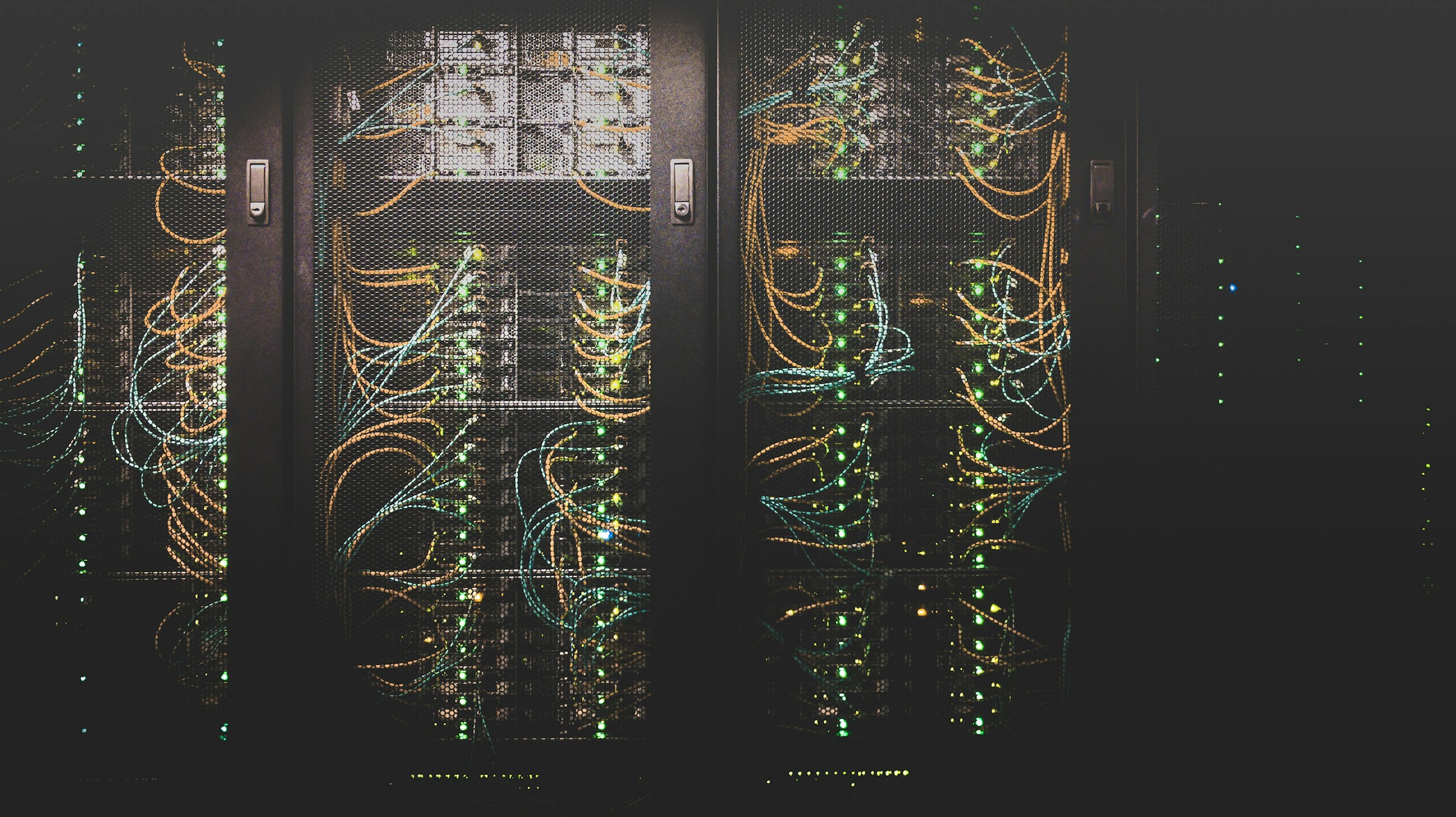
Start with the power cable installation
Dense cable routes, installation access and specification requirements all influence the restraint system. Bring the project details together before choosing a product.
Cable route & layout
Identify cable diameters, formation and the available space on the ladder or tray. Include new routes and any existing infrastructure.
Restraint requirements
Provide the specified fault level, restraint spacing and support details so the relevant product and test information can be reviewed.
Installation planning
Consider access around the cable run, the installation sequence and the tools required by the selected restraint system.
Project procurement
Send quantities, project location and timing to discuss product options, availability and a quotation.
BAND-FAST: an option for dense cable runs
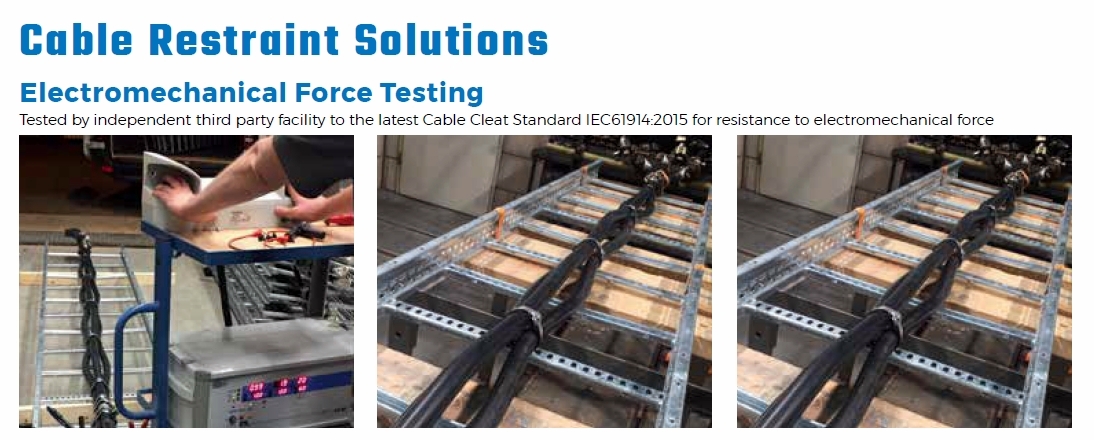
BAND-FAST cable cleats offer a compact, low-profile restraint with coated and uncoated options. Suitable configurations allow installation after cable pulling and attachment directly to compatible cable-ladder rungs.
Compare the product configuration, cable size, wrap and installation method against your project requirements.
Explore cable cleats & PPA coated band →Short-circuit performance depends on the specific product, cable formation, spacing and installation. Confirm the selected arrangement against the manufacturer’s test data and the project engineer’s specification.
Tools for cable-restraint installation
Compare all three tools — view the feature matrix →
Choose installation tools alongside the selected band and cleat configuration. These manual and powered tools support controlled installation in cable trays and other project environments.
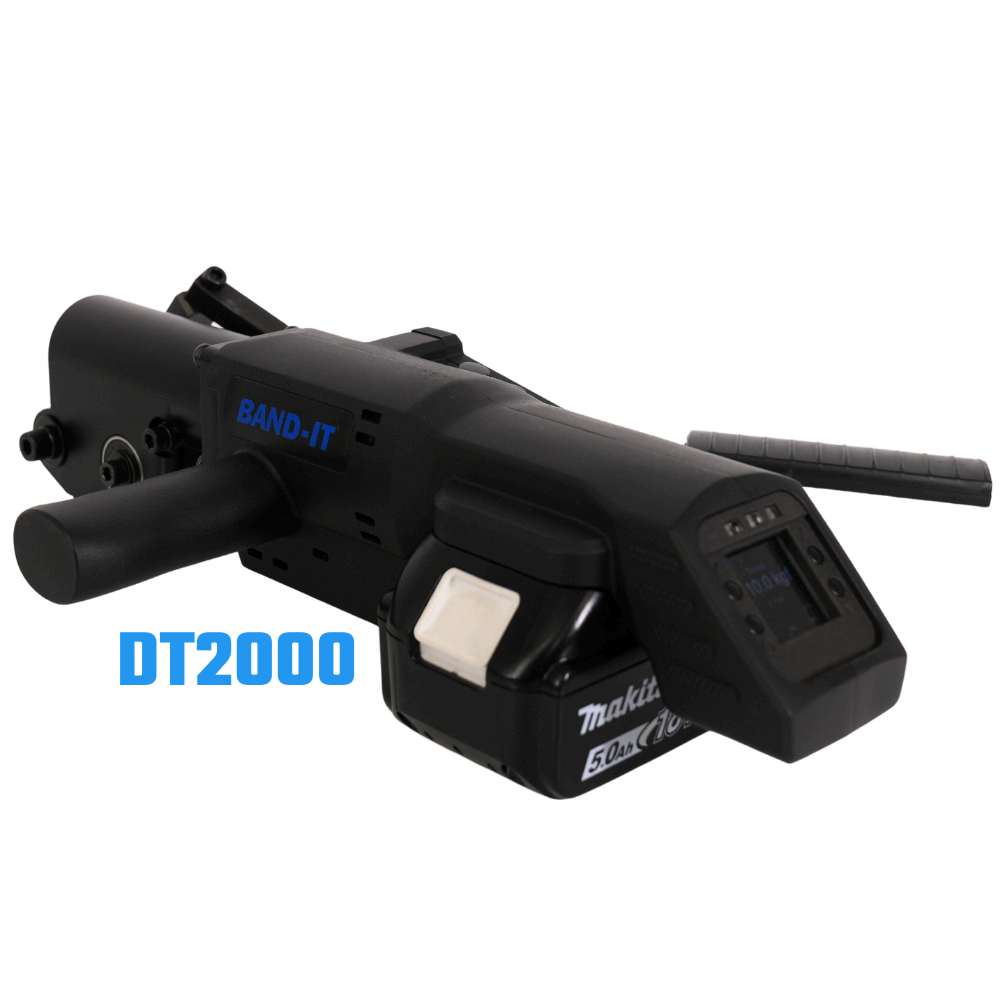
DT2000 Digital Banding Tool
Digital control for cable-cleat installation where space is limited.
- A torque sensor digitally controls and confirms tightening force for consistent band tension.
- Designed for cable-tray installations and Band-It’s short-circuit-tested cable-cleat systems.
- Optional data capture, QR-code settings and exportable records support installation quality checks.
Uses a Makita battery platform. Battery not included; confirm configuration and availability with our team.
Download DT2000 Brochure (PDF)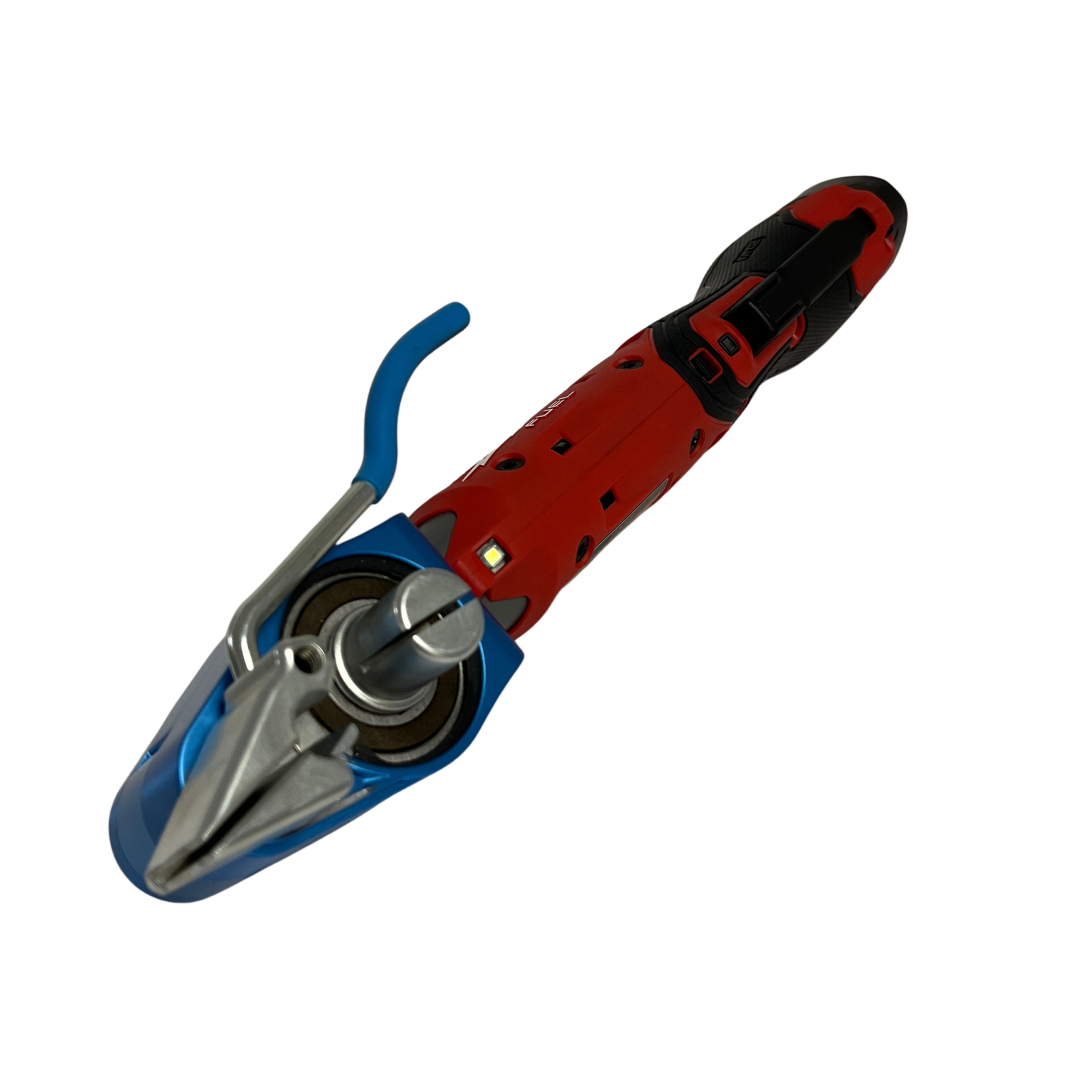
C075EL Electric Bantam
A battery-powered alternative to manual Bantam banding for field installation.
- Applies controlled tension and cuts the band, with a design optimised for coated band and cable protection.
- Helps secure the restraint without excessive clamping force.
- Handles band widths from 3/8 to 3/4 inch (approximately 9.5–19.1 mm), up to 0.030 inch (0.76 mm) thick.
Battery will be provided. Confirm the battery platform and selected band compatibility with our team.
Download C075EL Brochure (PDF)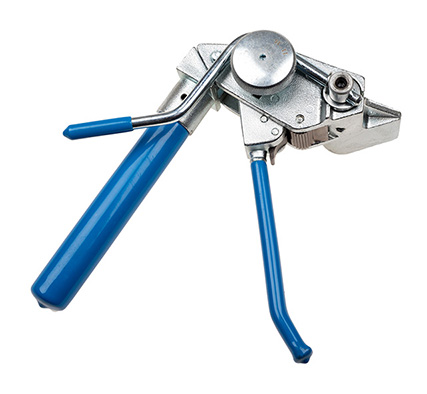
C075 Manual Bantam Tool
A compact, lightweight hand tool for tensioning and cutting band where access is limited.
- Manual ratchet action applies tension, with a built-in cutter to trim the band.
- A three-position handle supports one- or two-handed tensioning in tight working areas.
- Suitable for compatible Band-It ties, PPA coated band and BAND-FAST products.
No battery required. For compatible ties or coated band up to 19 mm wide and 0.63 mm steel thickness; confirm the tool and installation method for your selected restraint.
Download C075 Tool Instructions (PDF)Follow the specified tool settings and installation method for your selected cable-restraint system.
Ask about tools for your projectResources for your project team
Explore a BAND-FAST data centre application.
Review cable-restraint options and product information.
Explore product selection using your installation inputs.
Review the wider Band-It power cable management range.
Additional specifications and installation details: Band-It manufacturer product information.
Data centre flipbooks
Explore Band-It cable restraint, components and installation tools in two dedicated publications.
Customer catalogue — explore the product range
Technical guide — review selection, tooling and test information
Tell us about your data centre project
Request product information or a quote. Share the details you have; you can discuss the remaining requirements with our team.
Prefer to talk? +61 3 95475833
Email sales@uespromura.com.au